See the whole network
Tailnet health, devices, routes, Services, and pending work in one focused overview.
Manage devices, policies, and risks on iPhone, iPad, and Android, with native interfaces built for each platform.


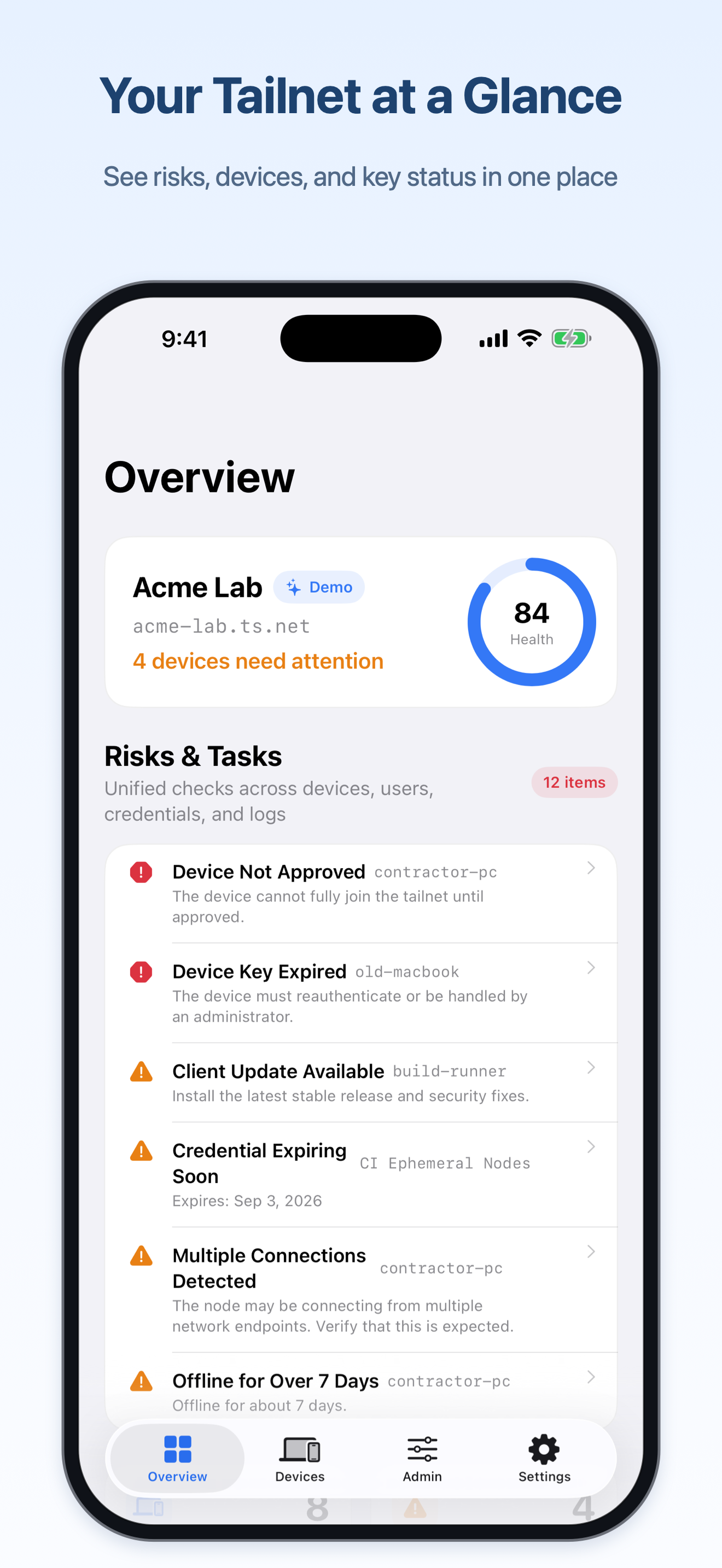
Find devices quickly, understand what changed, and act within the permissions your credentials already have.
Tailnet health, devices, routes, Services, and pending work in one focused overview.
Choose alerts for device approvals, key expiry, and Policy changes in the new iOS and iPadOS version. Event content and notification history are not stored.
HuJSON Policy editing, server validation, access previews, and ETag conflict protection.
From Tailnet settings to Service health, the administration center groups the work by the decisions you need to make.
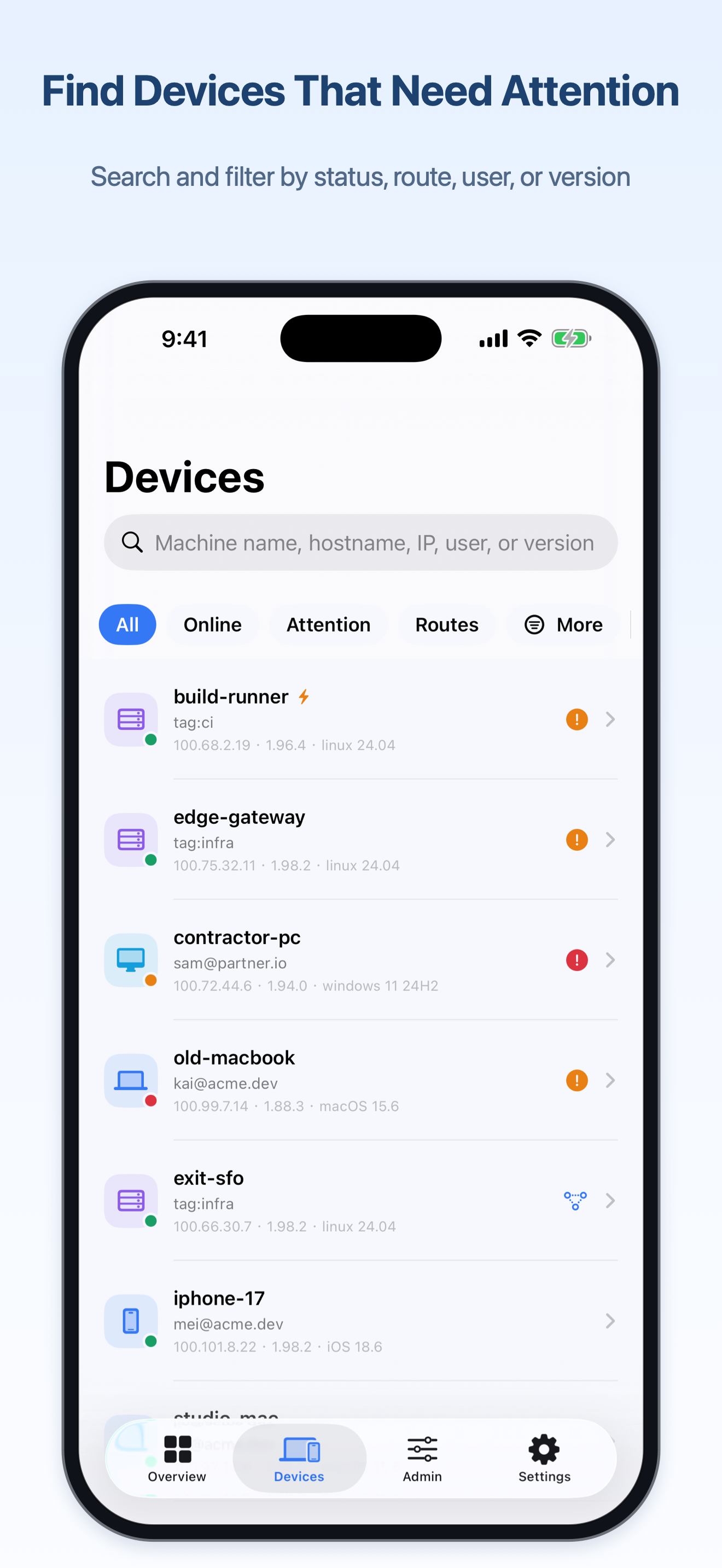
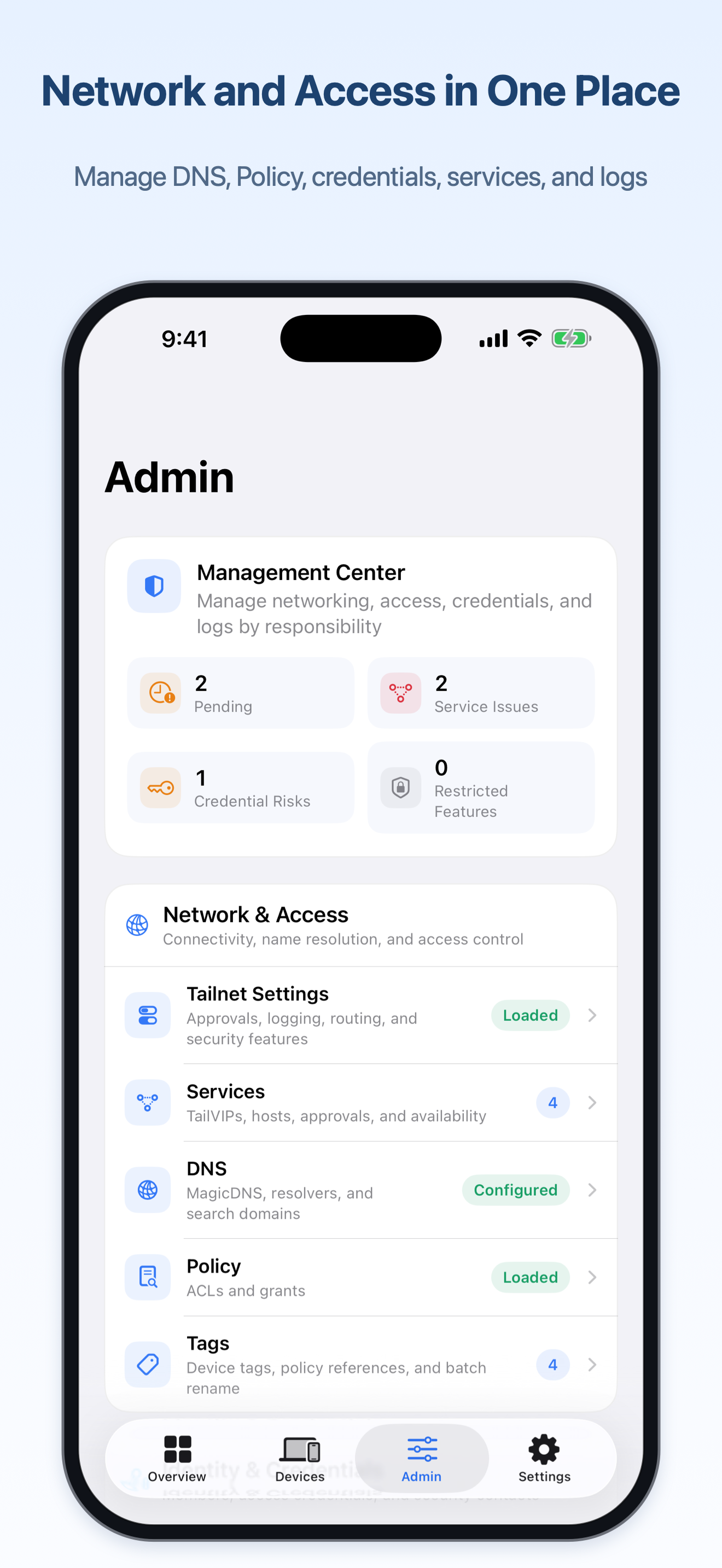
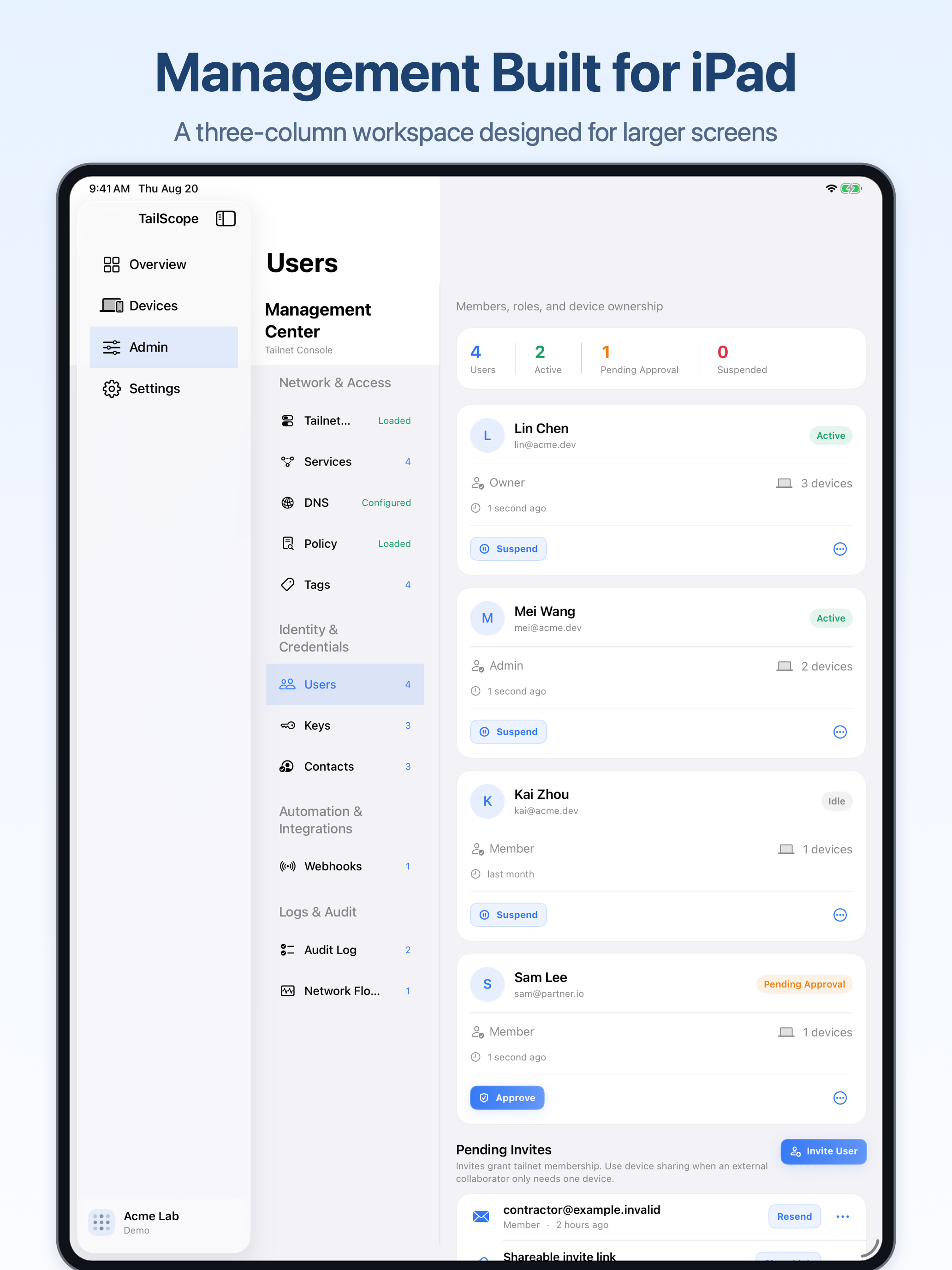
On iPad and wider Android windows, device lists and details can sit side by side. On phones, focused navigation keeps day-to-day work within reach.
Management requests go directly to the official Tailscale API. API tokens and OAuth client secrets stay protected on your device. Optional event notifications in supported versions use a separate relay service.
Keychain on iOS and iPadOS; Keystore-backed encryption on Android.
System biometrics or device credentials, with a privacy shield when the app leaves the screen.
Scopes, roles, plans, rate limits, and service errors stay visible and actionable.
A one-time purchase for the operators who need more room: unlimited accounts, batch device management, Policy Studio, and operational risk insights.
It never changes your Tailscale plan, role, or API scopes. Live capability still follows the credentials you bring.
No. TailScope is an independently developed, unofficial administration client. It is not affiliated with or endorsed by Tailscale Inc.
TailScope supports iPhone, iPad, and Android phones and tablets, with native interfaces and core Tailnet management tools on each platform. Available features depend on the current version for your platform.
No. TailScope is an administration client for the Tailscale Admin API. It does not establish a Tailscale tunnel and does not replace the official Tailscale app.
Yes. The local demo uses fictional data, never connects to a real Tailnet, and does not perform real network writes.
In the Tailscale admin console, open Keys → API access tokens to create a token for short-term or manual use. For ongoing access, we recommend Trust credentials → Credential → OAuth: choose only the read/write scopes you need, generate the credential, and save the client ID and secret immediately. You need an Owner, Admin, Network admin, or IT admin role to create these credentials. See the Tailscale API guide and OAuth client guide. TailScope protects management credentials with Keychain on iOS and iPadOS or Keystore-backed encryption on Android, and sends management requests directly to Tailscale. Optional event notifications use a separate relay, which does not receive these credentials. If you contact support, only include information you choose to share and redact sensitive data.
Optional event notifications are available in the new iOS and iPadOS version. No event content or individual notification records are stored. TailScope processes your subscribed events only for immediate forwarding. When enabled, the service stores the device push identifier, Webhook binding, and basic app information to provide and maintain notifications. Unlinking deletes the associated binding information.
The one-time Pro Lifetime purchase unlocks unlimited accounts, batch device management, Policy Studio, and operational risk insights. It does not change your Tailscale plan, role, or scopes.
No. Server-side scopes, roles, plan limits, and service availability remain the source of truth. TailScope explains restrictions instead of hiding them.
A native administration client for the moments when clarity matters.
Explore TailScope↗